Front-end app crash
A runtime error stops a JavaScript-heavy page before it renders visible content.
A blank page is one of the clearest examples of a website being online but unusable. The server may respond, the URL may load, and basic uptime may pass, but visitors see nothing useful.
Start your 7-day trial — no credit card, free plan after.
The usual suspects behind white screens — and how to detect them fast.
A basic uptime check usually looks for a successful response. That can miss blank pages because many blank screens still return 200 OK. The browser receives the document, but the interface fails to render.
Modern websites depend on JavaScript bundles, CSS, APIs, authentication states, third-party scripts, and build artifacts. A failure in any of those areas can create a blank or nearly blank page.
JavaScript errors are one common cause. If a front-end app crashes during startup, the page can render an empty root element instead of the interface.
Failed resources can also cause blank pages. Missing scripts, blocked stylesheets, broken imports, or failed font and image loads can leave the page unusable or visually empty.
API failures are another common source. Some pages depend on data before rendering. If the request fails and the page has no fallback state, visitors may see an empty shell.
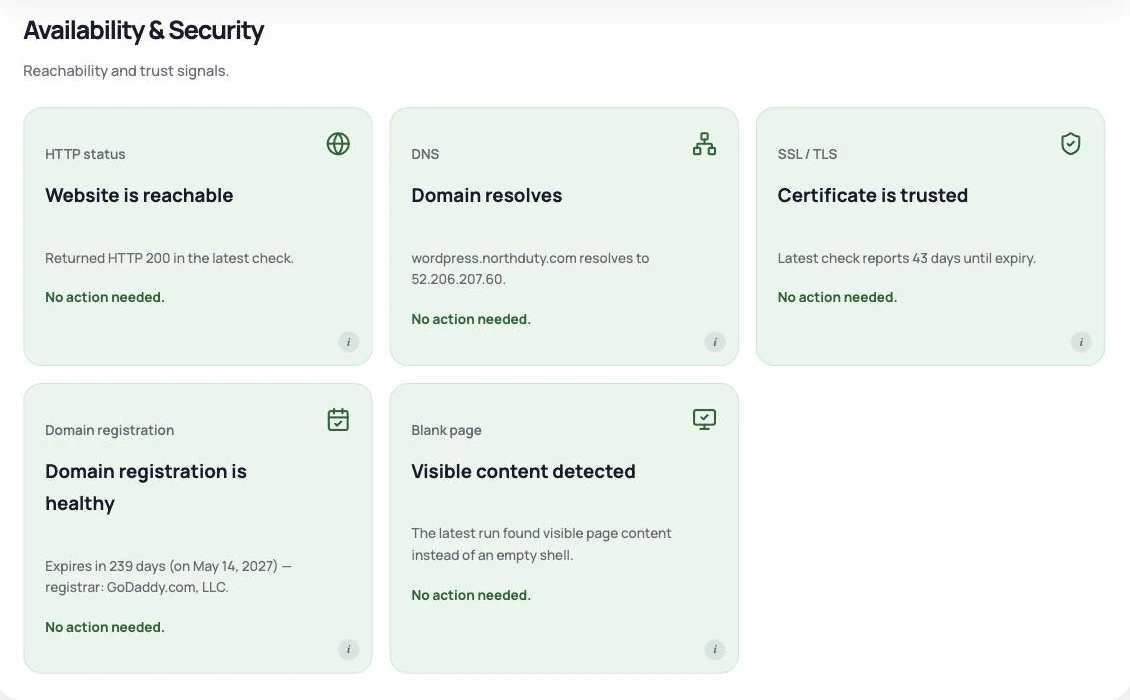
NorthDuty detects blank pages by checking rendered content in a real Chromium browser — not just looking for a successful HTTP response. It checks for the presence of visible text, images, canvas elements, SVG content, and video. A page that passes without any of those is flagged as blank. Detection feeds directly into scoring: a confirmed blank page removes 50 points from the Stability subscore, one of the four weighted components of the overall 0–100 health score.
These failures often happen while the site still appears available from a simple status-code check.
A runtime error stops a JavaScript-heavy page before it renders visible content.
A script or stylesheet path changes during deployment and the browser cannot load the required file.
The page depends on an API response and does not show a useful fallback when the request fails.
An injected script or tag-manager change interferes with the page startup path.
Monitor the rendered page, not just the response code.
The status code column is the one that matters for monitoring: most blank pages are served with a perfectly healthy 200, which is why the uptime check stays green while nobody can use the site.
| Cause | Status the server returns | How to confirm it | What catches it automatically |
|---|---|---|---|
| PHP fatal error from a plugin or theme conflict | 500 on most hosts; 200 where output buffering swallows it | WP_DEBUG_LOG, or the host's PHP error log | Uptime catches the 500 — only a rendered check catches the 200 case |
| JavaScript crash during startup | 200 | An uncaught error in the browser console on load | JavaScript error capture on the page |
| Script or stylesheet renamed during a deploy | 200 for the page, 404 for the asset | A 404 on a .js or .css file in the network tab | Broken-resource detection |
| A first-party API call fails and the page has no fallback | 200 | A 4xx or 5xx on the data request in the network tab | API call tracking on the page |
| PHP memory limit exhausted on a heavy page | 500, sometimes 200 | "Allowed memory size exhausted" in the PHP log | A rendered check on cart, search and archive pages |
| A page cache or CDN storing an empty response | 200 | Compare curl output with a logged-out browser window | A rendered check run from outside your network |
| Tag manager or third-party script breaking page startup | 200 | Reload with the container paused | JavaScript error capture plus blank-page detection in a rendered check |
| Redirect or auth loop ending on an empty template | 200, after the redirect chain | Follow the chain with curl -IL | A journey that signs in and asserts on real content |
A blank page caused by a PHP fatal or an exhausted memory limit usually comes with a 500, and any uptime check will report it. Those are the blank pages that get fixed quickly, because the alert fires on its own.
The other five arrive with a 200. The server did its job: it returned a document, on time, with a healthy status. What failed happened afterwards, in the browser — a script that threw, an asset that 404'd, a data request that came back empty. Nothing in an HTTP request tells you about any of it.
That is the whole reason to render the page rather than request it. A check that opens the URL in a real browser and then asks whether any visible text, image, canvas, SVG or video exists on the page answers the question a visitor actually cares about, and answers it the same way for all eight causes above.
Blank pages are dangerous because they can pass simple availability checks while completely blocking users. Monitoring needs to inspect what the browser actually renders, not just whether the server responded.
NorthDuty checks for visible text, images, canvas, SVG, and video after a full page load in Chromium. A blank result removes 50 points from the Stability subscore — one of the four weighted components of the health score — so a blank page causes an immediate and visible score drop. That signal combines with JavaScript error capture, broken-resource detection, API call tracking, and journey step screenshot history so teams can diagnose and fix the problem fast.
Keep exploring the feature pages and commercial routes connected to this topic.
Feature
Monitor JavaScript errors and exceptions from a real browser on a schedule — no SDK on your site. See which page broke, when, and what the browser reported.
Explore JavaScript Error MonitoringFeature
Monitor uptime every 5 minutes by default with HTTP, SSL, DNS, blank-page detection, broken resources, JavaScript errors, and API call tracking.
Explore Uptime MonitoringArticle
Two ways to monitor JavaScript errors: an SDK that reports what real visitors hit, and a scheduled browser check that finds them without touching the site.
Read How to Monitor JavaScript Errors on a WebsiteArticle
Learn why websites can break without going fully offline and how website health monitoring helps detect silent failures.
Read Why Websites Break Without Going OfflinePricing
NorthDuty plans are sized by how many checkout, signup and login journeys you monitor: Free, $29 Starter, $79 Pro, $199 Business. 7-day trial, no card.
Compare pricing plansMore NorthDuty guides on related website monitoring topics.
Article
How to set up a public status page for your website: what to include, how to manage incidents, and how to schedule maintenance so customers stay informed.
Read How to Set Up a Public Status PageArticle
How to monitor website uptime properly: check intervals, locations, false alarms — and the failures that return HTTP 200 so uptime checks never see them.
Read How to Monitor Website UptimeArticle
Learn why websites can break without going fully offline and how website health monitoring helps detect silent failures.
Read Why Websites Break Without Going OfflineShort answers that summarize the practical takeaways from this guide.
No, and that is the problem. Only two of the eight common causes — a PHP fatal error and an exhausted memory limit — usually return a 500 that an uptime check can see. Blank pages caused by a JavaScript crash, a missing asset, a failed API call, a cached empty response or a tag-manager change are all served with a healthy 200.
View the page source first. If the HTML is empty, the failure is server-side — check the PHP error log. If the HTML is there but nothing renders, the failure is in the browser — open the console for an uncaught error and the network tab for a 404 on a script or stylesheet, or a failed data request.
Common causes include JavaScript errors, failed scripts or stylesheets, API failures, broken deployments, missing assets, and third-party script conflicts.
Yes. A page can return a successful HTTP response while the browser renders no useful visible content. That is why basic uptime monitoring misses blank-page failures.
NorthDuty opens each page in a real Chromium browser and checks for visible text, images, canvas elements, SVG content, and video after the page loads. If none are found, the page is flagged blank and the Stability subscore drops by 50 points.
A confirmed blank page removes 50 points from the Stability subscore. Stability is one of four weighted components of the 0–100 health score, alongside uptime, performance, and errors.
Use NorthDuty to detect blank pages with rendered-page checks, JavaScript error capture, broken-resource detection, and API visibility.
7 days with Pro features and limits, no credit card — then keep one daily journey on the free plan.